 Submit Your AI Tool For FREE!Showcase Your Innovation To Thousands Of AI Enthusiasts!Submit Your AI Tool For FREE!Showcase Your Innovation To Thousands Of AI Enthusiasts!Submit Your AI Tool For FREE!Showcase Your Innovation To Thousands Of AI Enthusiasts!Submit Your AI Tool For FREE!Showcase Your Innovation To Thousands Of AI Enthusiasts!Submit Your AI Tool For FREE!Showcase Your Innovation To Thousands Of AI Enthusiasts!



Text To Svg


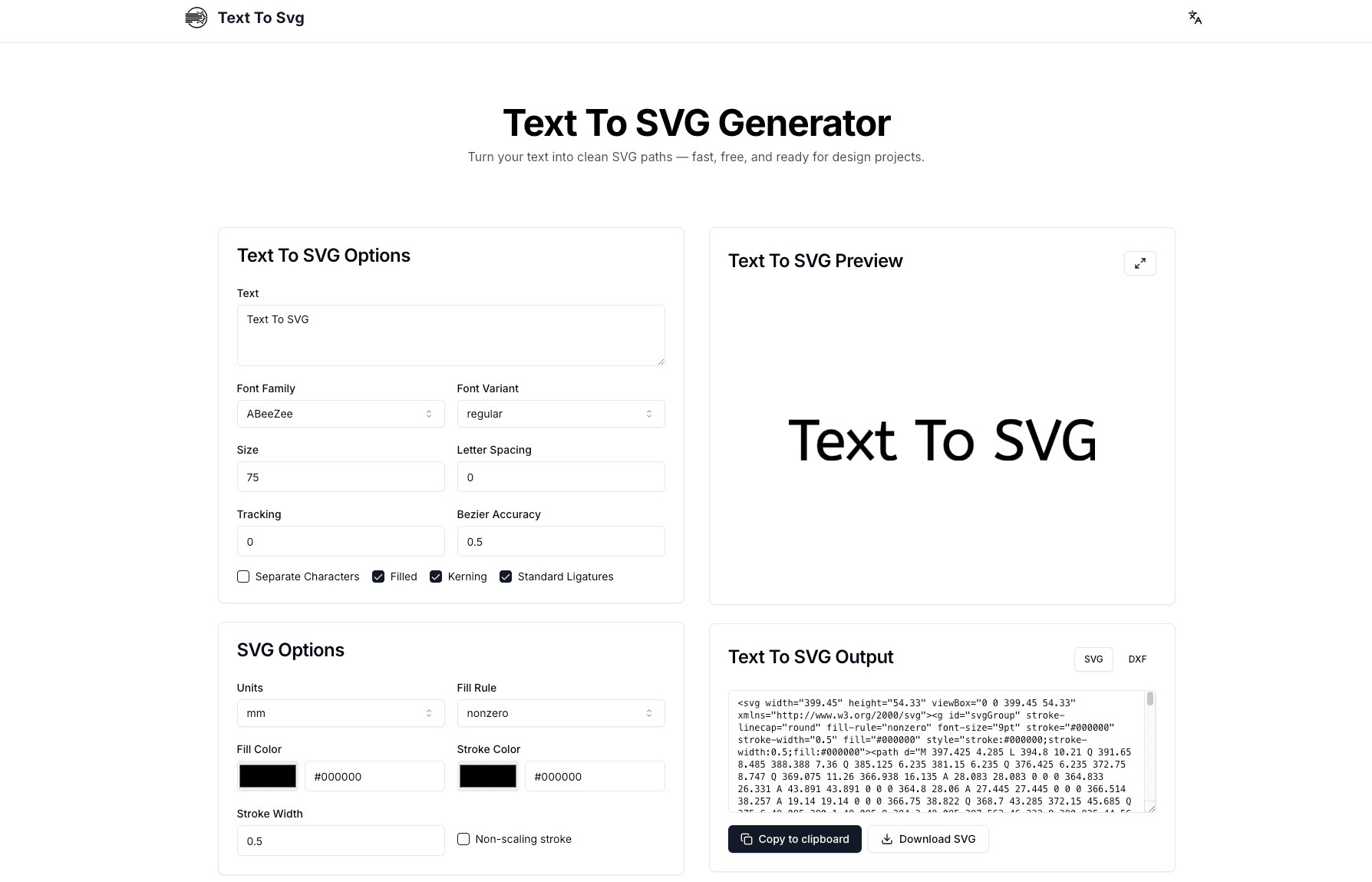
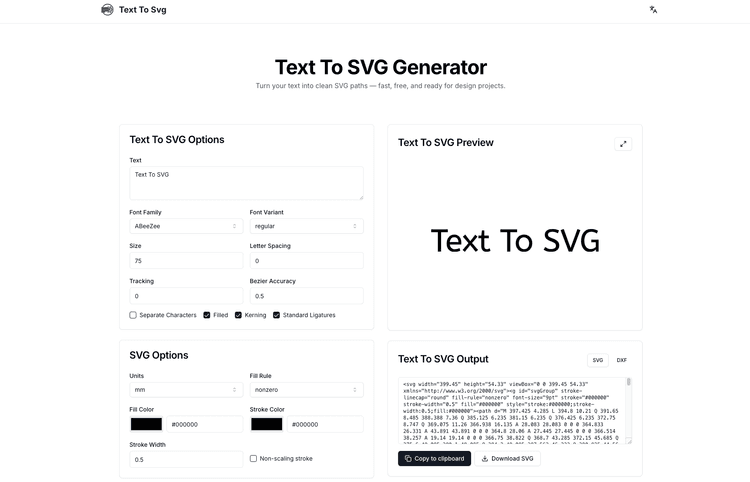
Text To SVG is a free, browser-based tool that transforms text into precise SVG and DXF vector paths using Google Fonts, offering real-time preview, complete privacy, and production-ready output for designers, engineers, and makers worldwide.
What is Text To SVG and How Does It Work?
Text To SVG is a powerful text-to-vector conversion tool that runs entirely in your web browser. It converts typography into scalable vector graphics by loading your chosen Google Font, shaping the text with professional typographic controls, and converting each character into editable bezier curve paths. The tool processes everything locally on your device, ensuring your work remains private and secure.
This innovative platform serves designers creating logo wordmarks and brand assets, engineers preparing files for laser cutting and CNC fabrication, and web developers who need clean SVG code for responsive websites. Whether you're a graphic designer building a portfolio, a product maker preparing fabrication files, or a developer embedding custom typography into applications, Text To SVG delivers professional-grade vector output without the complexity of traditional design software.
For example, a small business owner can quickly generate an SVG logo wordmark by typing their company name, selecting a distinctive Google Font, and downloading production-ready files in seconds. Similarly, a maker can convert text into DXF format for laser engraving personalized gifts, adjusting tracking and kerning to achieve perfect letter spacing.
Key Features and Capabilities of Text To SVG
The Text To SVG converter offers comprehensive typography controls that rival professional design applications. Users can fine-tune kerning for optimal letter spacing, enable standard ligatures for elegant character combinations, adjust tracking for overall spacing, control bezier accuracy for curve precision, and set fill rules for complex shapes. The platform provides both filled and outlined text options with customizable stroke widths and colors.
Real-time preview functionality lets you watch your text transform into vector paths as you type and adjust settings. The optimized shaping engine instantly reflects changes to font selection, size, spacing, and styling, eliminating the guess-and-check workflow common in other tools.
Text To SVG supports dual export formats: SVG for web and design workflows, and DXF for engineering and fabrication applications. This dual-format capability makes the tool versatile across industries, from digital design to physical manufacturing.




 1.7M
1.7M 2025.01.18








No reviews yet. Be the first to review!