 Submit Your AI Tool For FREE!Showcase Your Innovation To Thousands Of AI Enthusiasts!Submit Your AI Tool For FREE!Showcase Your Innovation To Thousands Of AI Enthusiasts!Submit Your AI Tool For FREE!Showcase Your Innovation To Thousands Of AI Enthusiasts!Submit Your AI Tool For FREE!Showcase Your Innovation To Thousands Of AI Enthusiasts!Submit Your AI Tool For FREE!Showcase Your Innovation To Thousands Of AI Enthusiasts!



Grid Maker


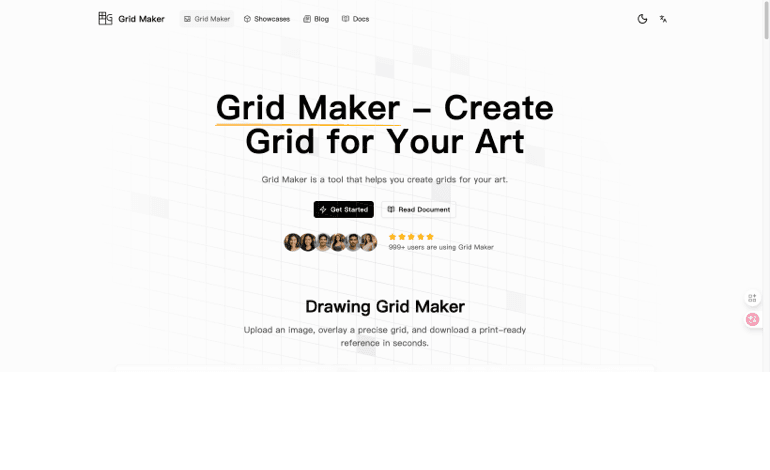
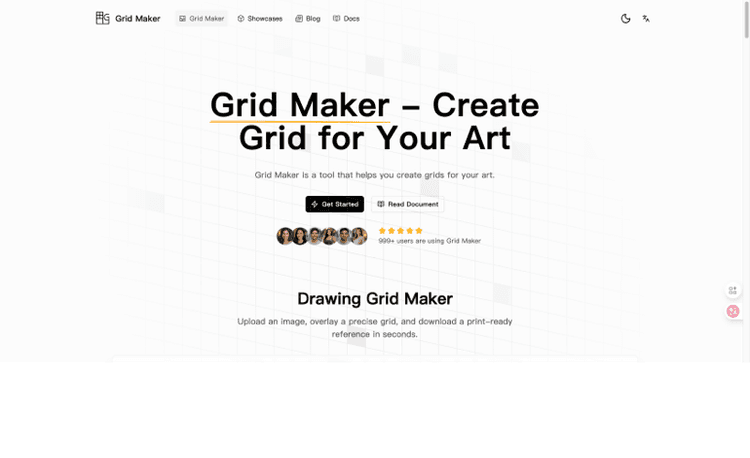
Grid Maker: Create Accurate Art Grids in Seconds — Right in Your Browser
Grid Maker is a fast, lightweight online tool designed to help artists, designers, teachers, and creators build precise drawing grids on top of any image. Whether you’re sketching a portrait, planning a composition, teaching the grid method in class, or preparing print-ready references, Grid Maker makes the process simple, consistent, and professional—without tedious measuring or repeated setup.
Getting started is effortless. Upload a reference photo, screenshot, or sketch, and instantly preview a clean grid overlay. Prefer to design from scratch? You can also begin with a blank canvas and build a custom layout for your project. Everything runs directly in your browser, so there’s nothing to install, no accounts required to begin, and no constant updates to manage. It works smoothly across modern devices—desktop, tablet, or phone—so your workflow stays flexible wherever you create.
Grid Maker offers practical controls that fit both beginners and experienced users. You can set the exact number of rows and columns, choose your preferred measurement units (pixels, centimeters, or inches), and customize line color and thickness to match your style and visibility needs. Fine-tune the grid until it feels comfortable—adjust spacing and opacity, preview changes in real time, then lock your final setup. This live, responsive preview helps you see how every small change affects your reference, keeping your focus on proportions and composition rather than math.
Need a clean reference you can use on paper or screen? Grid Maker supports flexible export options. Download your finished grid as a high-resolution image (PNG or JPG) for digital drawing, layout planning, or social media work. If you prefer traditional methods, export a printable PDF and trace or transfer the grid onto paper or canvas. You can also share your output with students, clients, or collaborators in just a few clicks.
For even smoother workflows, Grid Maker includes helpful features like quick conversions (such as black & white) and practical printing guidance—making it easier to match your grid to common paper sizes. With smart defaults for newcomers and precision controls for pros, Grid Maker turns the classic grid method into a modern, time-saving workflow.
If you want to stay focused on drawing instead of measuring, Grid Maker is the simplest way to build accurate grids, keep proportions consistent, and create better work—faster.




 1.7M
1.7M 2025.01.18








No reviews yet. Be the first to review!